Design Studio.
A fast designer for MuleSoft Anypoint API specs: RAML 1.0, OpenAPI 3.0 and 3.1, and AsyncAPI 2.x. Big specs open in seconds, every edit is checked as you type by AMF, the engine Design Center itself uses, and the forms and the code stay in step both ways. It works offline, and pulls, pushes and publishes with Design Center and Exchange using the same words you already know.
Design Center,
minus the waiting.
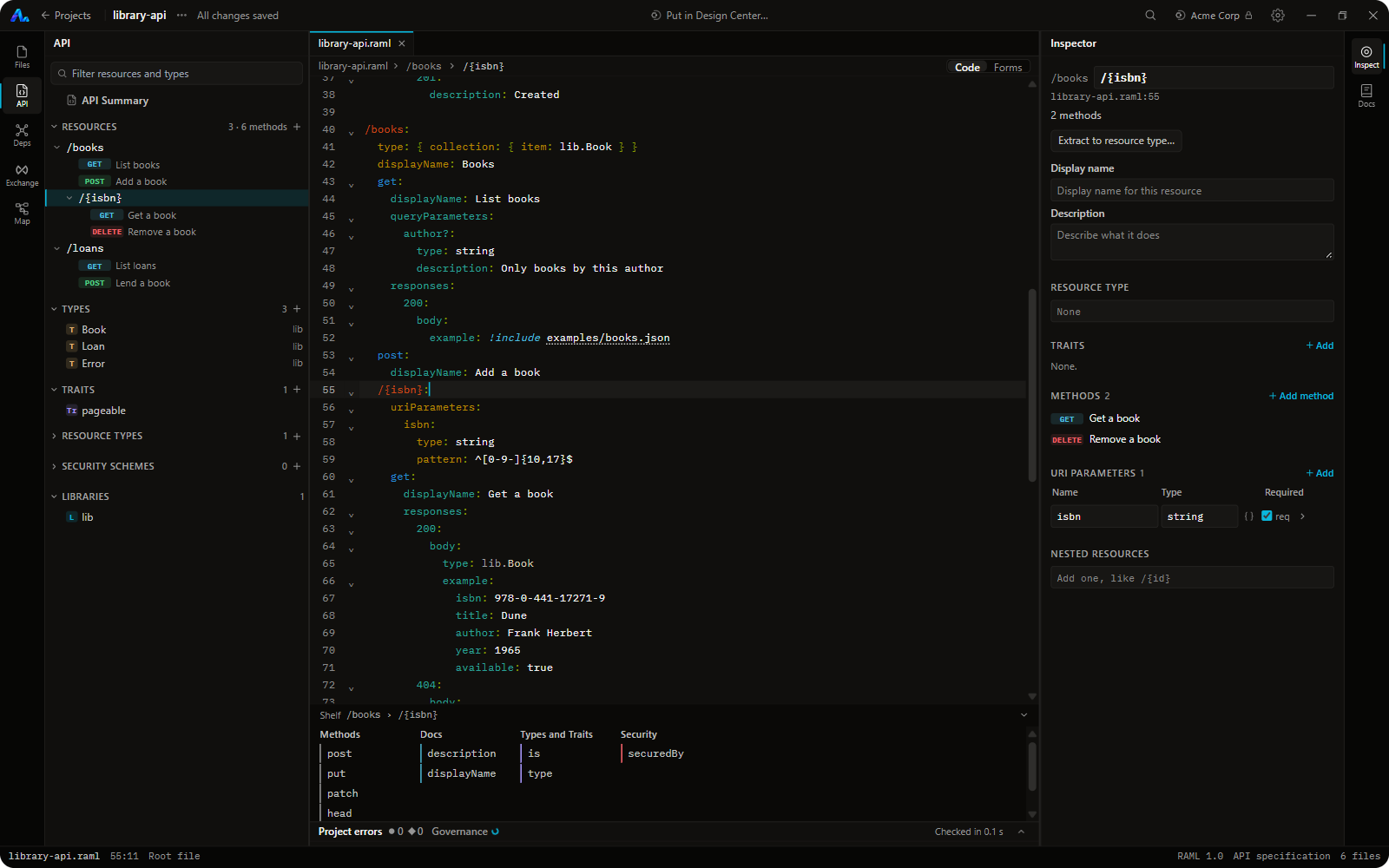
Same layout, same words (Root file, Project errors, Exchange dependencies, Publish), on your own computer.
Errors as you type, suggestions at once
A 2,000-line RAML spec with 40 files opens in seconds. Types (with their library alias), traits, resource types and !include paths are suggested instantly, and Design Center's shelf sits under the editor. Errors come from AMF, so they read the same as Design Center's.
Rename once, everywhere
Rename a type, trait or resource type across files, find its uses, extract to a library, delete with cascade. Create a missing example from its type, or a type from pasted JSON.
Forms and code, both ways
Build a whole API from forms, or edit any spec with them: resources, methods, types, parameters, bodies, responses and security schemes for RAML, OAS 3.0 and 3.1, and AsyncAPI. A form changes only the lines it must, so it never rewrites your file.
Pull, push, branch, publish
See every line a push sends before it goes. Push holds the branch lock, merges show both sides, and Publish suggests the version from what changed. Connections start read only.
Every API in one place
Exchange assets with versions and endpoints, what changed between versions, API Governance conformance, what runs where, health checks, and every endpoint exported to Excel.
Check it before you publish
Rulesets from Exchange in the background, each finding linked to its line, and Try it on a local mock that answers like Design Center's.
From HTTP to certification
46 short lessons, from how computers talk to all of RAML, Design Center, Exchange, APIkit and API Manager, with exam-style practice for MuleSoft Developer I and II. AMF checks every answer.
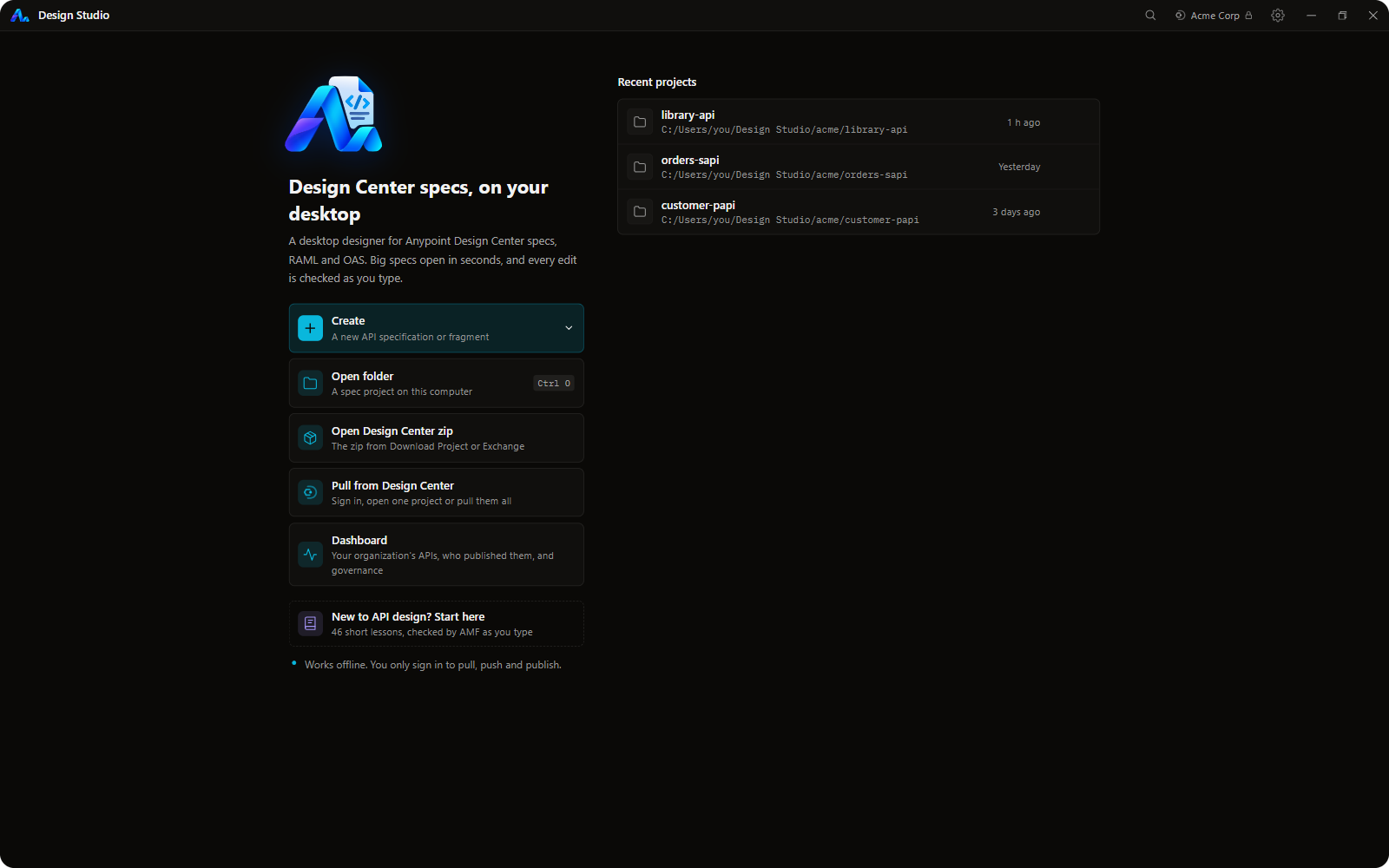
See it work.
Click any frame to expand.
Questions people ask.
Is there a RAML editor for VS Code?
Yes. Design Studio for MuleSoft runs inside VS Code with live AMF validation, autocomplete for types, traits and !include paths, forms for every part of the spec, and Design Center sync. Install it from the Marketplace and run Design Studio: Open, or click its icon in the side bar.
Can I edit Anypoint Design Center projects offline?
Yes. Pull a Design Center project once, or open a folder or a Design Center zip, and edit it with no connection. Push and publish when you're back online; the push holds Design Center's branch lock, as Design Center does.
Why is Design Center slow on big specs?
Its suggestions and checks slow down as a spec grows. Design Studio parses on your own computer with a warm AMF engine: a quick read after each edit in a fraction of a second, and the full check in the background.
How is it different from Anypoint Code Builder?
Anypoint Code Builder is MuleSoft's IDE for building Mule apps and designing specs. Design Studio does one job: designing API specs the way Design Center does, plus forms, refactorings, governance, a local mock, an organization Dashboard and an Academy. They work side by side.
Does it support OpenAPI and AsyncAPI?
Yes: RAML 1.0, OAS 2.0, 3.0 and 3.1 in YAML or JSON, AsyncAPI 2.x, and RAML fragments. Duplicate As converts between RAML and OAS through AMF.
Can I see every API in my Anypoint organization in one place?
Yes, the Dashboard: every Exchange asset with versions and endpoints, API Governance conformance, what's managed and deployed in each environment, a health check of the addresses you choose, and an Excel export of every endpoint. It only reads.
Does it send my specs anywhere?
No. No telemetry, no analytics, no account of its own. Specs leave your computer only when you push or publish to your own Anypoint organization.
Which Anypoint regions does it work with?
Sign in with Anypoint works in the US, EU, Canada, UK, Japan, India and Australia clouds. Your own Connected App works in every cloud, US Government included.
Is it made by MuleSoft?
No. It's an independent, free and open-source (MIT) project, not affiliated with MuleSoft or Salesforce. Anypoint, Design Center, Exchange and MuleSoft are trademarks of Salesforce, Inc.
No installer and no admin rights. The AMF engine and a small Java runtime are included, so there's nothing else to install. Run Design Studio: Open, click the Design Studio icon in the side bar, or right-click a project folder or a .raml file.
Windows, macOS and Linux, with the same features. It follows the VS Code beta.